
Filtered Feeds
Your own podcast feeds, filtered down to the episodes you want.
Released for Self-Hosted
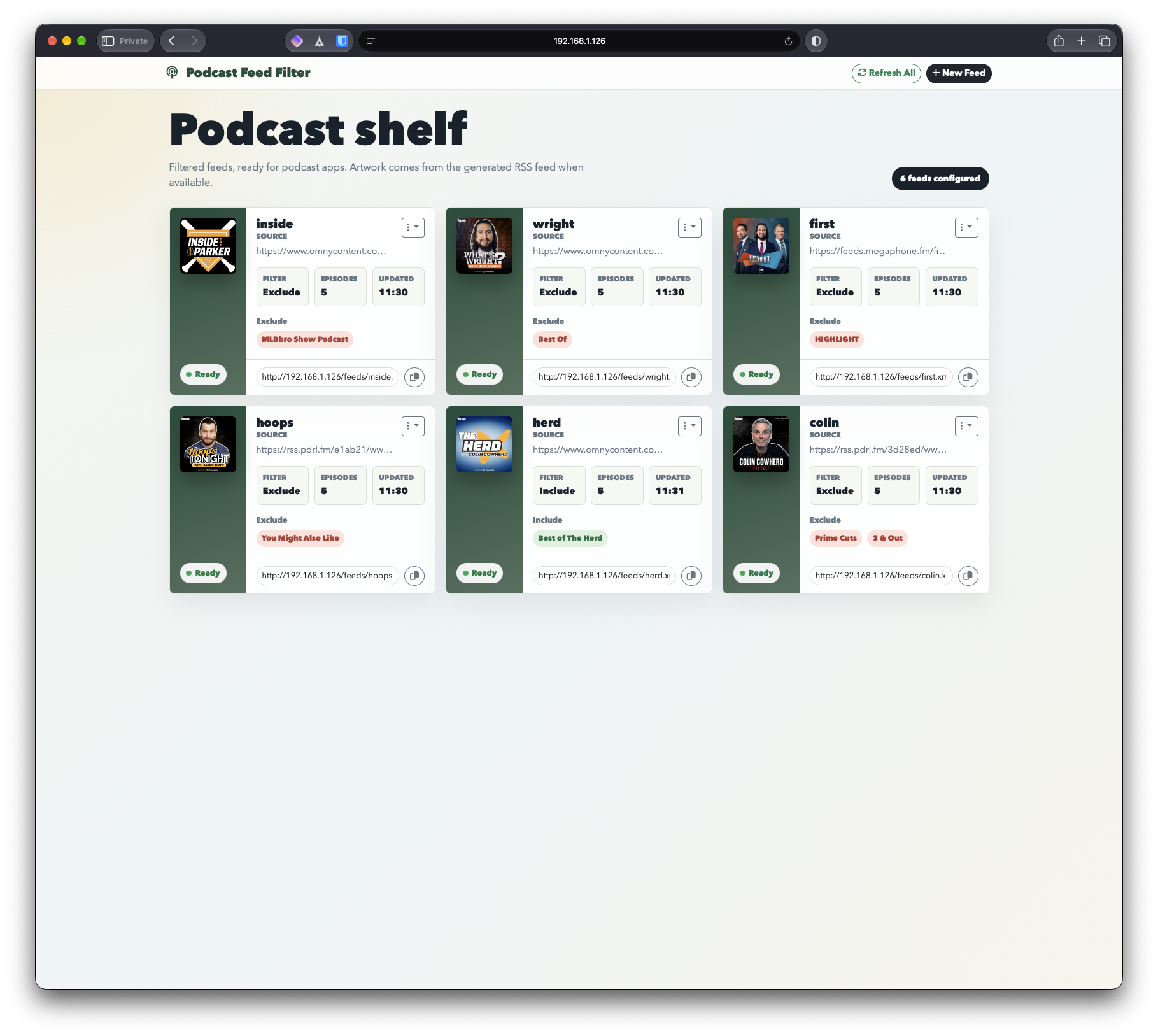
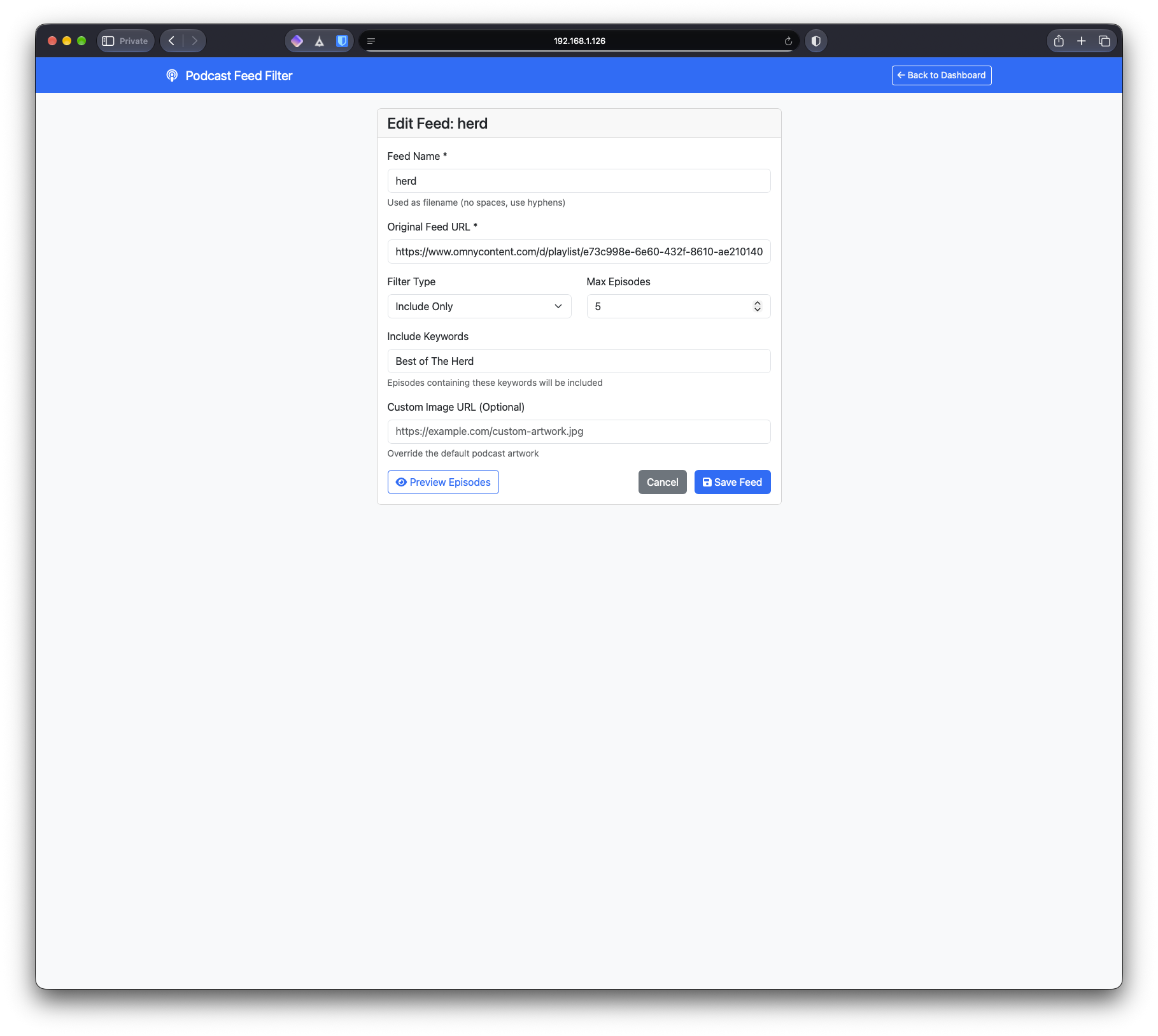
Filtered Feeds is a self-hosted service that builds custom RSS feeds from the podcasts you already follow, keeping or dropping episodes by keyword. Subscribe to the result in any podcast app, and it stays up to date on its own.
How it works
Each feed is one Markdown file with the settings in its front matter. Point it at a podcast’s RSS feed, choose a filter type and list your keywords:
---
feed: "https://podcast.example.com/feed.rss"
name: "interviews-only"
filter type: "both"
include: ["Interview", "Guest"]
exclude: ["Replay", "Rerun"]
episodes: 15
---
Filtered Feeds watches the configs folder. A new or changed file rebuilds its feed, and deleting a file removes the feed. You can also cap a feed at a set number of recent episodes, and give it your own artwork.
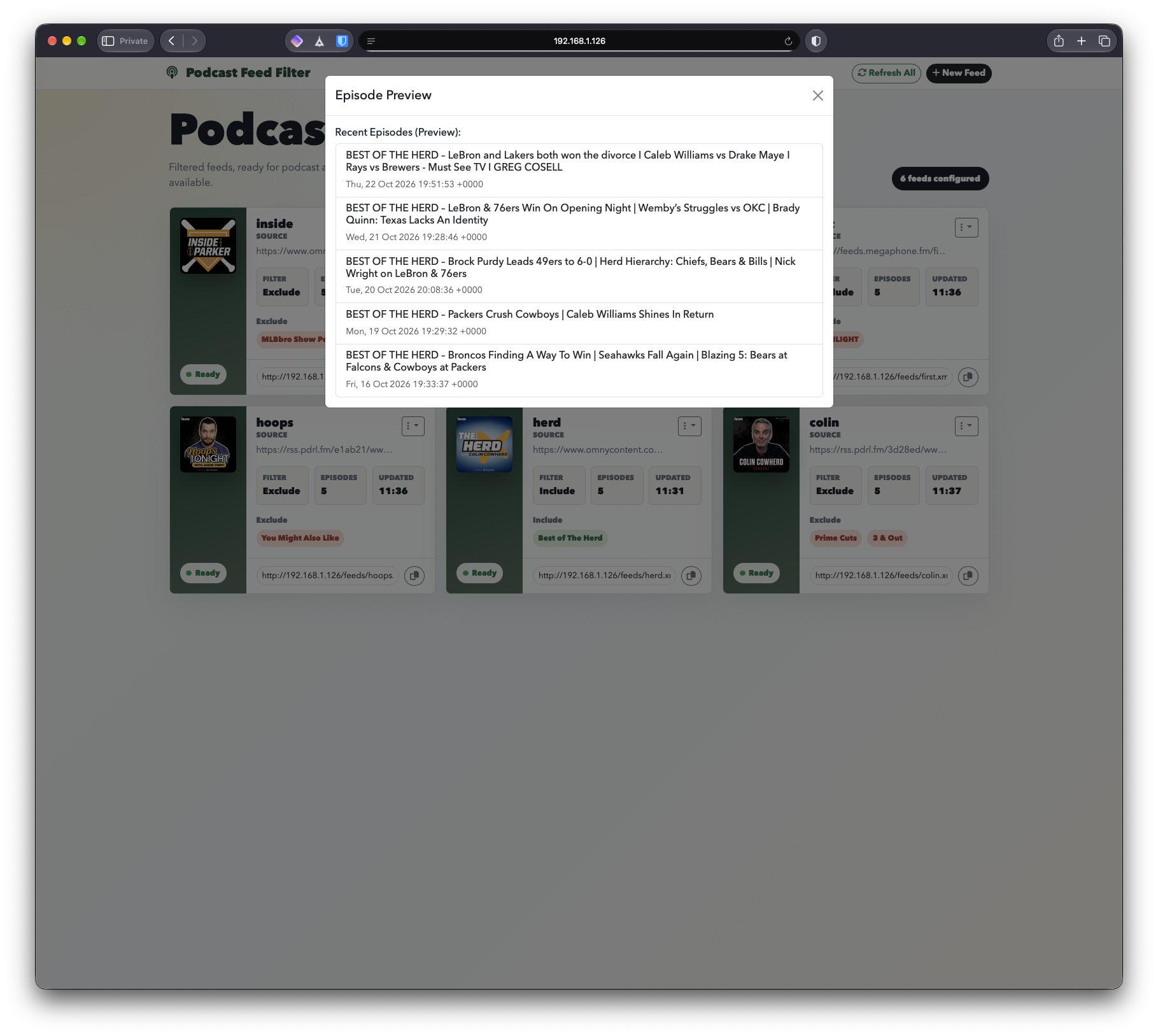
The dashboard does the same through a form, with a live preview of the matching episodes and one-click copying of each feed’s URL. A refresh shortly after startup and another every 12 hours keep every feed current without any work from you.
What It Does
Keep only what you want
Include episodes that mention your keywords, exclude the ones that do, or combine both. Pull the "Best of" segments out of a long-running show, or drop the bonus and replay episodes.
Edit in the browser or in files
Create and edit feeds from the web dashboard, or drop a Markdown file into the configs folder. Both use the same format and stay in sync.
Preview before you save
See exactly which episodes your filters keep before you commit to them. Previews never change your saved feeds.
Always current
Changes to a config file rebuild its feed right away, and every feed refreshes on its own every 12 hours. Refresh one feed or all of them whenever you like.