
Micro Post
Write a short post, share it, and publish it to your blog.
Testing for iPhone
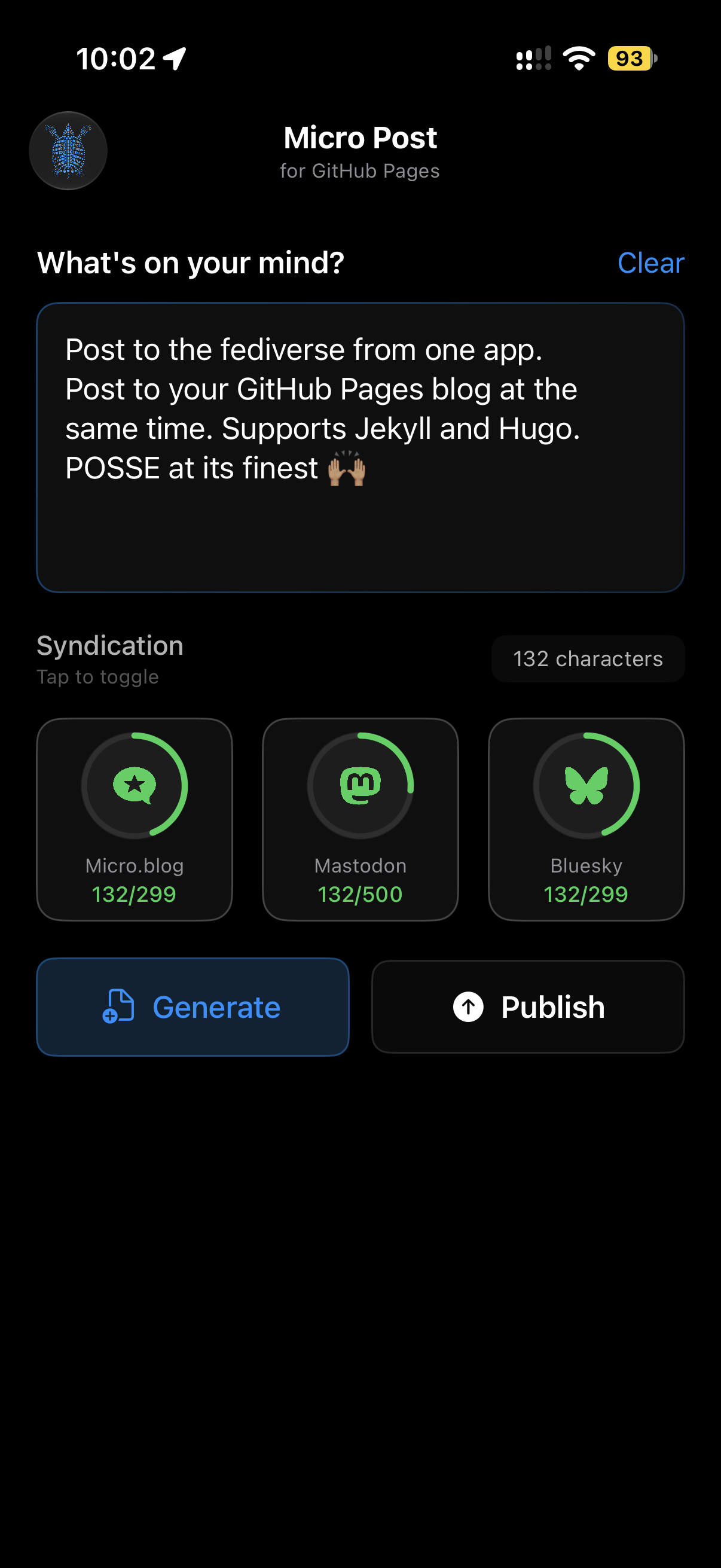
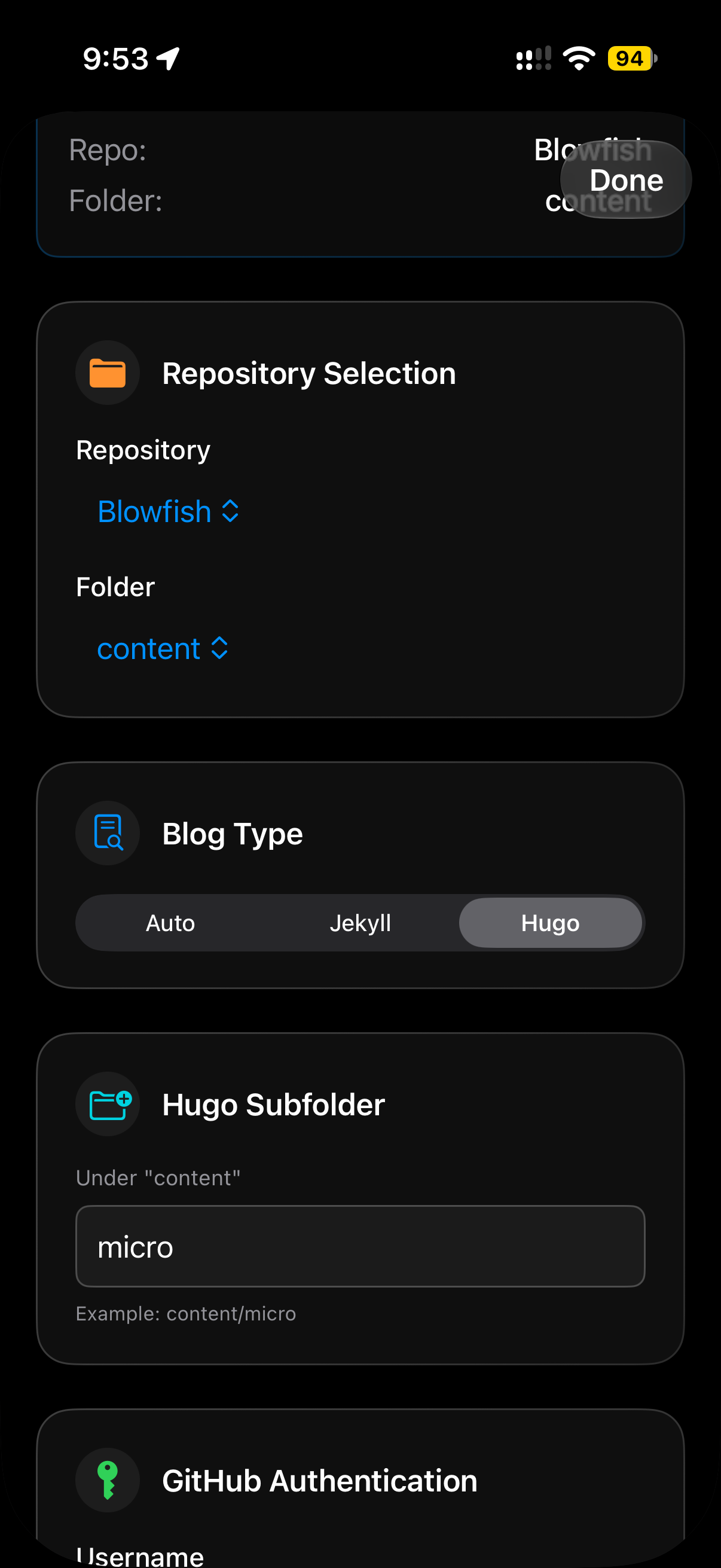
Micro Post sends a short post to the social services you choose, then saves it as a Markdown file in your Hugo or Jekyll site's GitHub repository, with links back to each social post.
How It Works
- Write your post and choose where to share it.
- Tap Generate to create the file name, such as
2026-07-06-micro-1.md. - Tap Publish. Micro Post shares the post to each service, adds the links to the Markdown file and saves it to your repository.
Any social services that failed are listed once the file is saved to GitHub.
What It Does
Hugo and Jekyll
Posts are saved as Markdown with front matter in the folder you choose. Auto detects a Hugo site for you.
Post everywhere at once
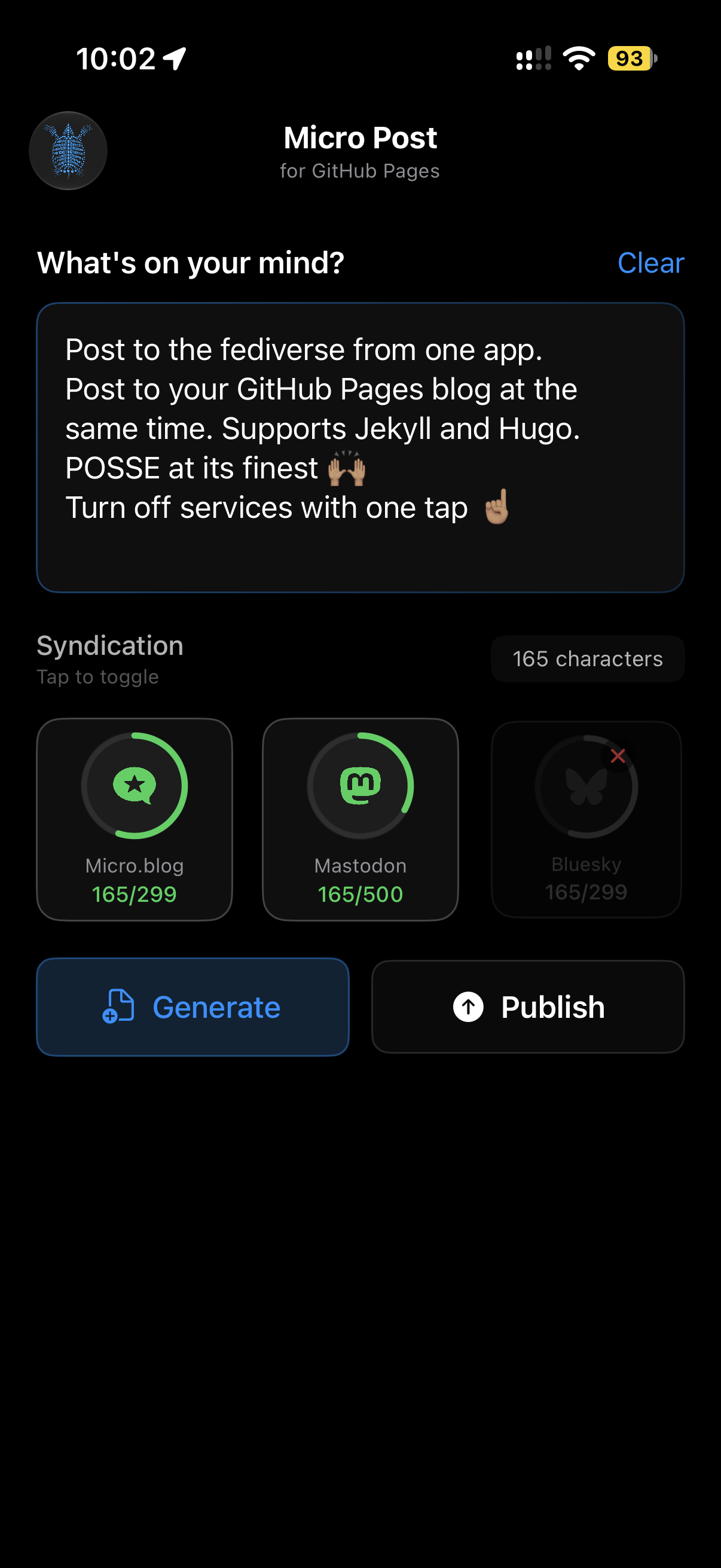
Pick the social services for each post. Any service without credentials is skipped.
Links in the post
The links to each published social post are added to the Markdown file before it's saved, with no custom shortcode needed.